
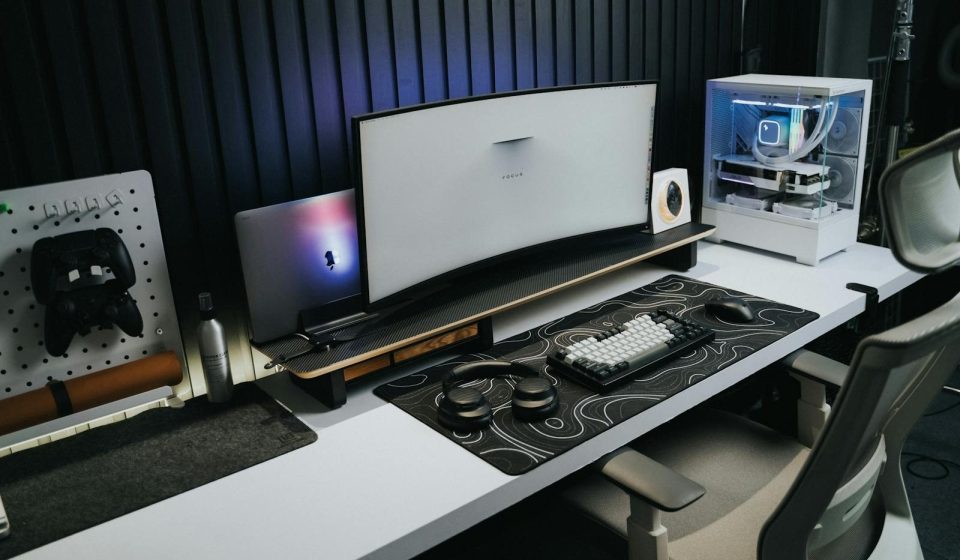

Creating the right gaming desk setup can improve both comfort and performance. A well-organized space helps players maintain focus, reduce strain, and play more effectively. Small adjustments can make a big difference over time.
Ergonomics experts explain that a proper setup supports posture and reduces physical stress during long sessions.
Why a Good Gaming Desk Setup Matters
A well-designed desk setup helps players stay comfortable and focused. It also improves control and reduces fatigue.
Experts note that a proper setup supports long-term health and consistent gameplay performance.
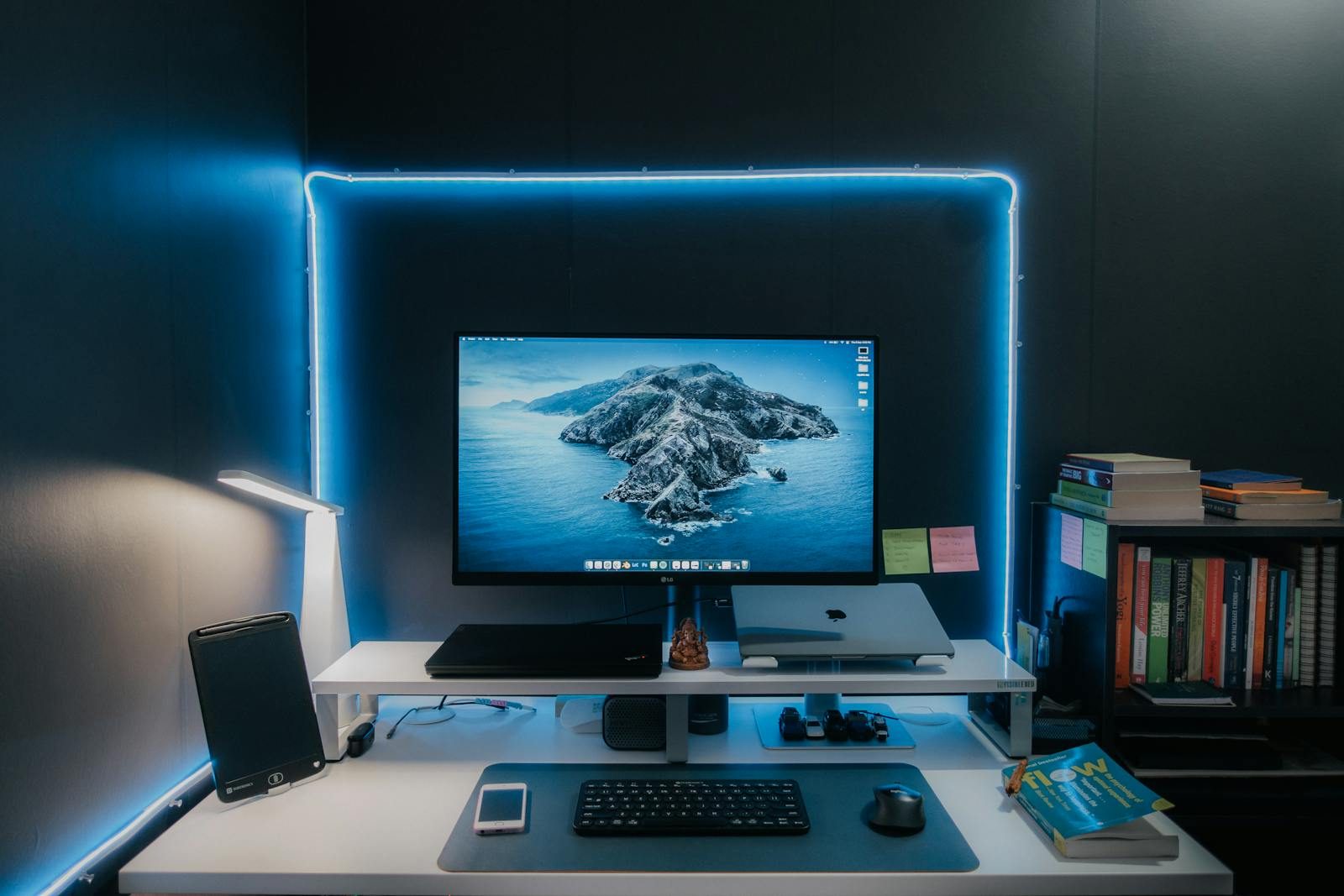
Credit: Pramod Tiwari / Pexels
Choose the Right Desk Height
Desk height affects posture and comfort. A desk that is too high or too low can cause strain.
Experts recommend adjusting the desk so arms rest comfortably while gaming.
Position the Monitor at Eye Level
The monitor should be placed at eye level to avoid neck strain. This helps maintain a natural viewing angle.
Ergonomics specialists suggest keeping the screen at a comfortable distance.
Place Keyboard and Mouse Correctly
Keyboard and mouse placement should allow natural hand positioning. Devices should be within easy reach.
Experts note that proper placement reduces wrist strain and improves control.
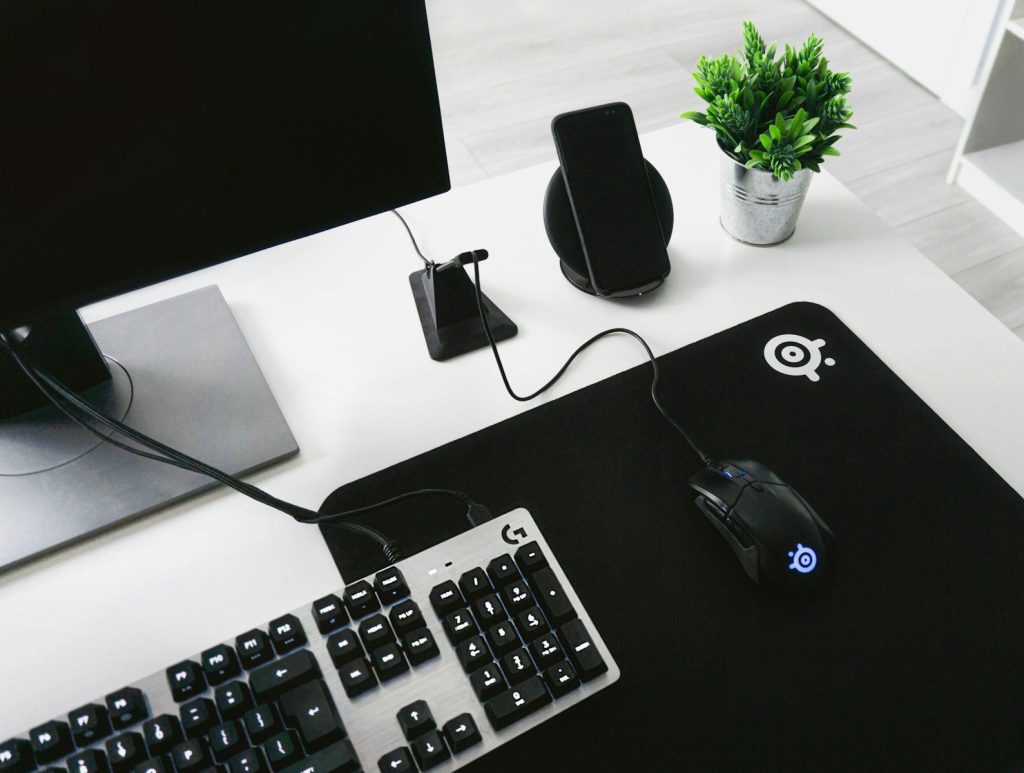
Credit: Pixabay / Pexels
Use Comfortable Seating for Support
A supportive chair helps maintain posture during long sessions. Proper seating reduces back and neck strain.
Health experts recommend chairs that support the lower back and promote upright posture.
Manage Lighting to Reduce Eye Strain
Lighting affects visibility and comfort. Poor lighting can cause eye strain and reduce focus.
Experts suggest using soft, balanced lighting to improve visibility.
Keep Your Desk Organized
An organized desk reduces distractions and improves efficiency. Cable management also helps maintain a clean setup.
Experts highlight that a clutter-free space supports better concentration.
Maintain Consistency in Your Setup
Keeping a consistent setup helps build muscle memory. Frequent changes can affect performance.
Experts recommend maintaining a stable arrangement once a comfortable setup is found.
Frequently Asked Questions
Q: What is the ideal gaming desk setup?
A: A setup with proper desk height, monitor placement, and comfortable seating is ideal.
Q: Why is monitor height important?
A: It helps prevent neck strain and maintains a natural viewing angle.
Q: Does desk organization affect gaming?
A: Yes, an organized desk improves focus and efficiency.
Q: How can players improve comfort during gaming?
A: Adjusting posture, seating, and lighting can improve comfort.
Key Takeaway
A proper gaming desk setup improves comfort, posture, and performance. Simple adjustments like monitor height, device placement, and organization can make a noticeable difference. Players who maintain a clean and consistent setup often perform better.