
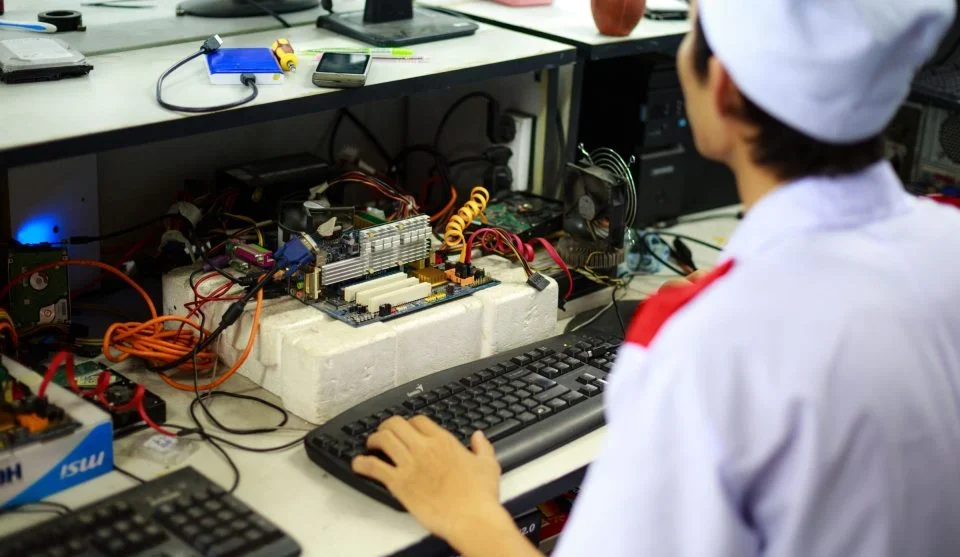

Most players focus on improving their skills, but they often ignore something just as important:
Their gaming setup.
You might think setup does not matter much. But even small problems in your environment can reduce performance without you noticing.
A poor setup can lead to slower reactions, weaker control, and more mistakes.
The Hidden Truth: Comfort Directly Affects Performance
Your body and mind work together during gameplay. If your setup feels uncomfortable, your focus drops and your control becomes less consistent.
This can lead to:
Missed shots
Slow reactions
Poor decisions
Fixing your setup can improve your gameplay quickly because it removes problems that were quietly holding you back.
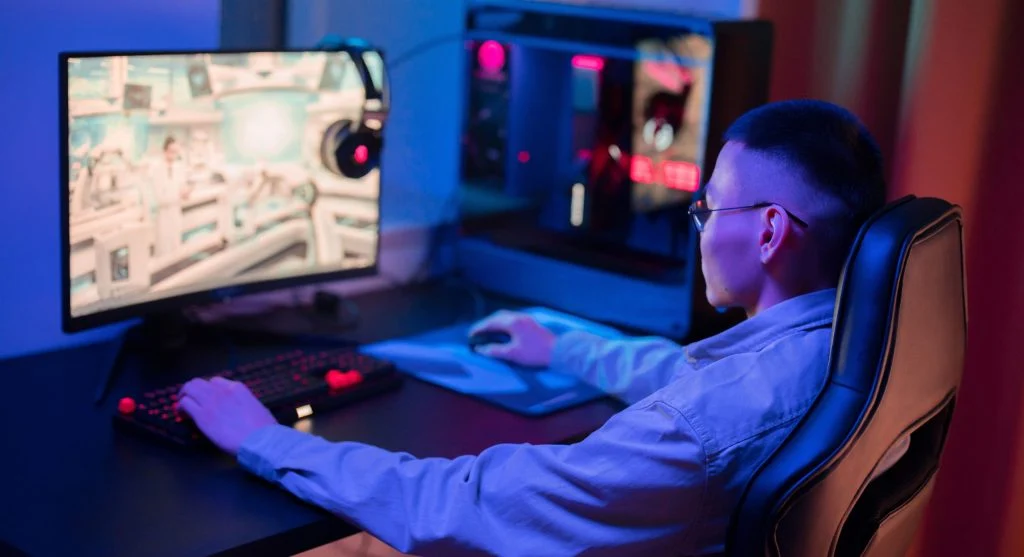
1. Your Chair Position Is Wrong
If your chair is too high or too low, your control can suffer.
Problem:
Arms not aligned
Shoulder strain
Reduced precision
Fix: Adjust your chair so your arms stay relaxed and level with your desk.
2. Your Monitor Height Is Incorrect
Looking too far up or down at your screen can strain your neck and reduce focus.
Fix: Keep your monitor at eye level for better comfort and awareness.
3. Your Mouse Space Is Limited
Limited mouse space restricts movement and can affect both accuracy and reaction speed.
Fix: Clear your desk and allow enough room for full hand movement.
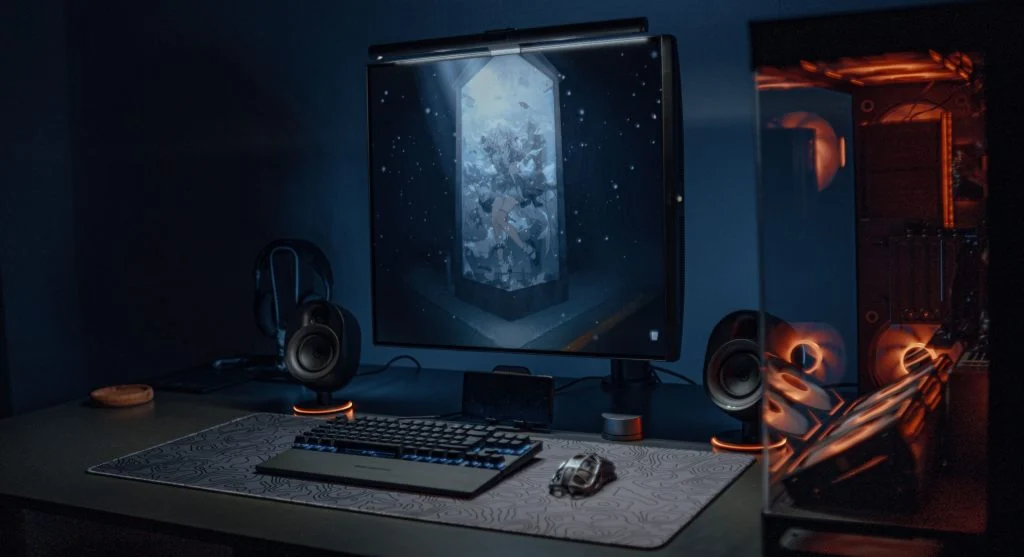
4. Poor Lighting Is Hurting Your Eyes
Bad lighting can cause eye strain and make it harder to stay focused during gameplay.
Fix: Use soft lighting around your setup instead of harsh direct light.
5. Your Hand Position Is Uncomfortable
An awkward wrist or hand position can reduce control and increase fatigue over time.
Fix: Keep your wrist straight, relaxed, and comfortable while playing.
6. Your Setup Changes Too Often
Changing your setup too frequently can affect muscle memory and make your performance feel inconsistent.
Fix: Once you find a comfortable arrangement, keep it consistent.
7. You Sit Too Far or Too Close
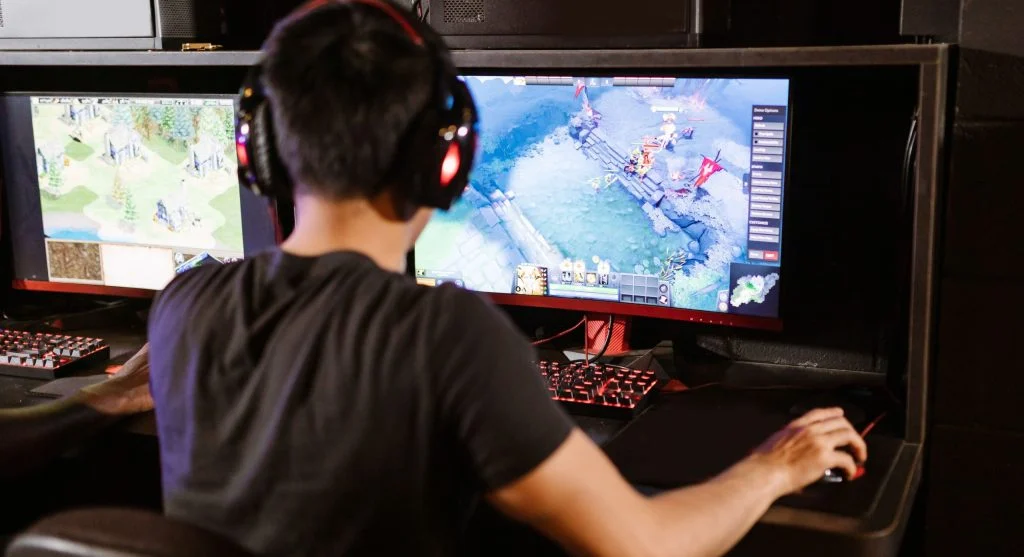
Your distance from the screen affects awareness. Sitting too close can make it harder to track everything, while sitting too far can reduce detail.
Fix: Sit at a comfortable distance where you can see the whole screen clearly.
Improve your gaming awareness with proper screen distance
Credit: RDNE Stock project / Pexels
8. You Ignore Small Discomforts
Small issues like hand strain, neck tension, or shoulder discomfort can build up during longer sessions.
Fix: Adjust your setup until those small discomforts are removed, not just tolerated.
9. Your Setup Distracts You
A cluttered desk or noisy environment can reduce focus and make gameplay feel less controlled.
Fix: Keep your setup clean, simple, and distraction-free.
10. You Think Expensive Gear Is the Solution
Better equipment can help, but it will not fix poor setup habits on its own.
Fix: Optimize what you already have first before spending money on new gear.
Simple Setup Improvement Checklist
Chair height correct
Monitor at eye level
Enough mouse space
Comfortable hand position
Good lighting
These small changes can create a noticeable improvement in comfort and control.
Frequently Asked Questions
Q: Does setup really affect performance?
A: Yes, comfort and positioning directly impact gameplay.
Q: Do I need expensive gear?
A: No, simple adjustments are enough.
Q: What is the most important setup factor?
A: Comfort and consistency.
Q: Can setup changes improve instantly?
A: Yes, many improvements are immediate.
Key Takeaway
Your gaming setup is part of your performance. Small adjustments to comfort, positioning, and environment can make a big difference in how you play. Before focusing only on skill improvement, make sure your setup is not quietly holding you back.